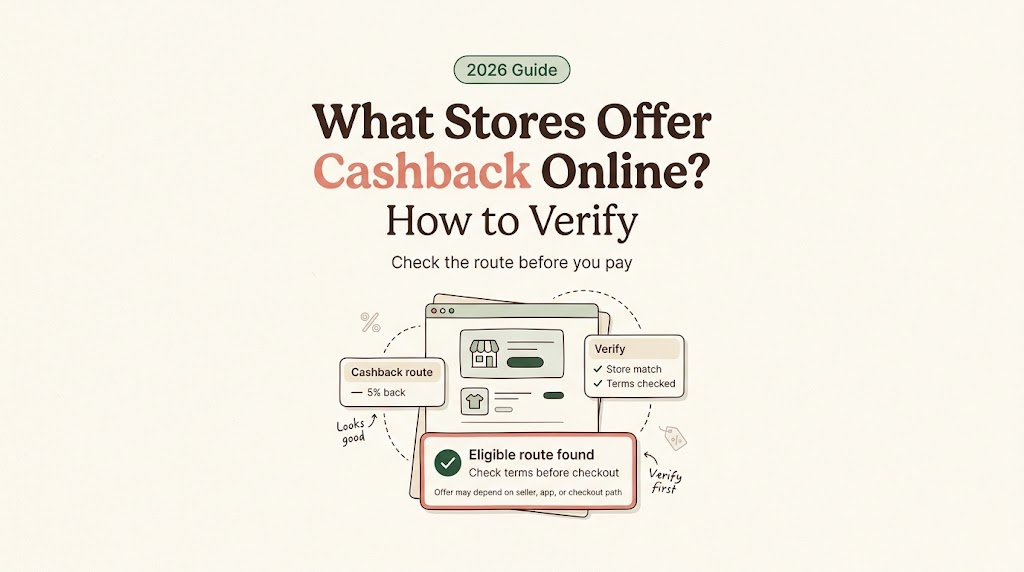
Hey, my friends. I’m Vivian. If you typed what stores offer cashback while a cart is already open, I’m guessing you do not mean “Can I get $20 back at a debit-card register?” Different errand. This page is about online checkout: whether the store you already plan to use has a current cashback route, and whether that route is reliable enough to count before you pay.
I care about the final cost, not the loudest reward badge. A cashback offer is useful only when the store, cart, link, app, card, and timing line up.

Start With the Store You Plan to Use
Do not begin with a giant list of cashback stores. Begin with the retailer already in your cart. This is not a live directory.
The question is narrow: does this store, for this purchase, have a current online cashback route today? A page claiming “stores that do cashback” can be stale by the time you reach checkout. Retailer programs change. Portal rates change. Card-linked offers appear by account. App-only terms can split the same brand into different routes.
Write down the store name, checkout domain, item category, seller type, fulfillment method, and whether you are using the website, app, or a marketplace listing. That note keeps the search from turning into tab soup.
Check Current Online Cashback Availability
There are three places I check first: the retailer’s own offer or loyalty page, the cashback portal’s store page, and the card-linked offer list inside the bank or card account. If one source says yes and another says nothing, do not average them. Read the terms attached to the route you would actually use.
Retailer offer pages and loyalty pages
Some retailer rewards are not portal cashback at all. They may be store credits, coupons, rebates, member deals, or loyalty rewards. Target’s Target Circle deals help page separates deals, bonuses, coupons, and rebates, with some offers applying automatically and others needing action.
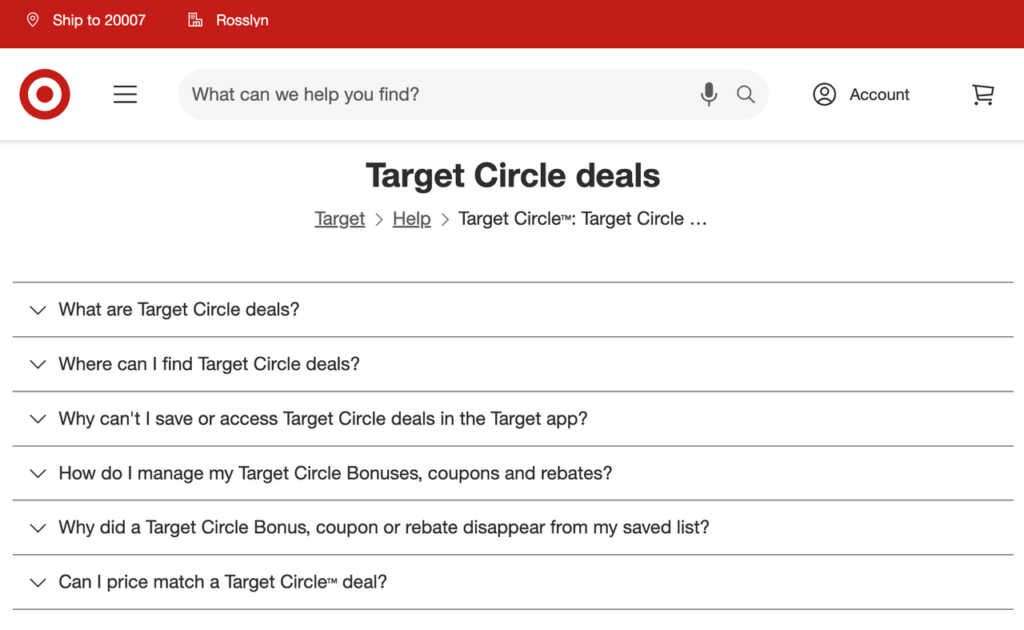
That is why retailer pages matter. They tell you whether the store has its own offer path, whether the offer is online, whether you need to sign in, and whether app terms differ from website terms. These are retailer cashback offers only if the retailer frames them that way. Otherwise, treat them as store rewards or discounts, not outside cashback.
Portal store pages and card-linked offer lists
Cashback portals usually need a clean shopping trip: log in, start from the portal store page, click through, and complete the purchase under that session’s terms. TopCashback’s terms describe tracked purchases, merchant validation, pending status, and returns that can stop payment. Reward calculations can also depend on retailer terms and excluded charges.
Card-linked offers work differently. Chase’s Chase Offers FAQ says offers must be added to the eligible card, redeemed with that card during the offer period, and may post later as statement credits. No coupon code is required, but the right card matters. If you have multiple cards, check the exact card with the offer, not just the bank name.
Confirm Eligibility for Your Cart
Availability is not eligibility. A store can appear on a portal and still exclude your cart.
Check the parts that usually break the reward: marketplace sellers, third-party checkout pages, subscriptions, gift cards, warranties, taxes, shipping, pickup versus delivery, app-only orders, coupon use, and category-specific rates. If the product category is excluded, the store is not really a cashback route for this order.
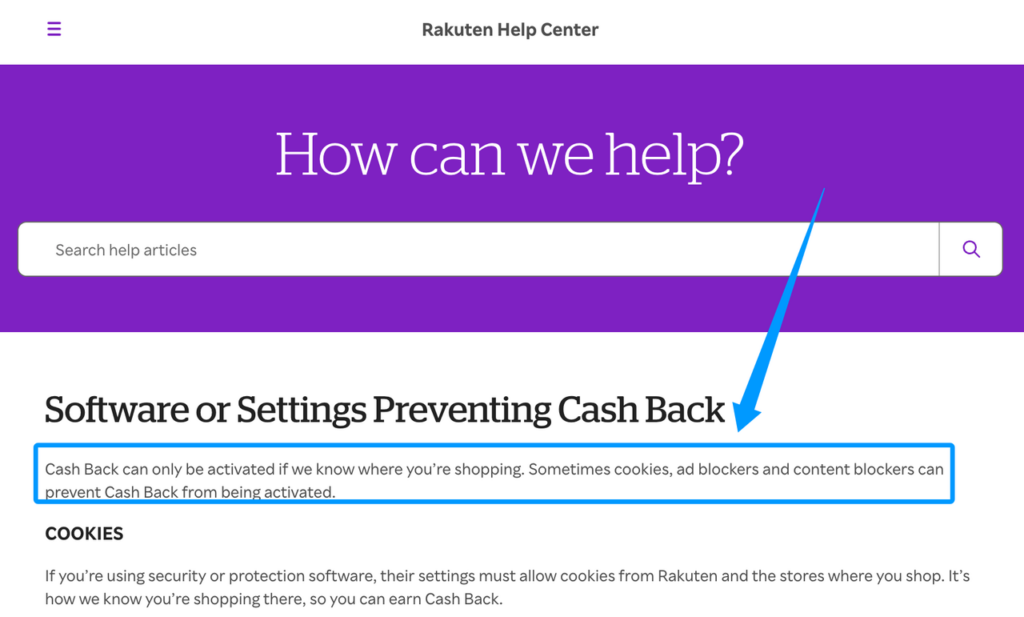
Tracking matters too. Rakuten’s software and settings page says cookies, ad blockers, content blockers, private browsing, other shopping extensions, and VPNs can interfere with activation or tracking. That does not mean you should weaken every privacy setting forever. It means you should know what a portal needs before relying on it.
For cashback shopping stores, I like a simple receipt trail: portal store page terms, activated trip or click confirmation, cart total, checkout domain, payment method, order confirmation, and any email showing pending rewards. Boring? Yes. Useful when a reward goes missing? Also yes.
Decide Whether the Reward Is Reliable Enough
Now separate the money types. A confirmed discount lowers the checkout total today. Conditional cashback depends on the store, portal, order behavior, and tracking. An estimated payout is a projection before the merchant confirms the transaction. Expected rewards from a card or loyalty program may post later. A delayed payout is not the same as cash in hand.
This is where old lists of online stores with cashback get slippery. They can tell you where to look, but they cannot prove your cart qualifies today. First the route has to track. Then the merchant or card program has to confirm it. Then the reward has to become payable under that program’s rules.
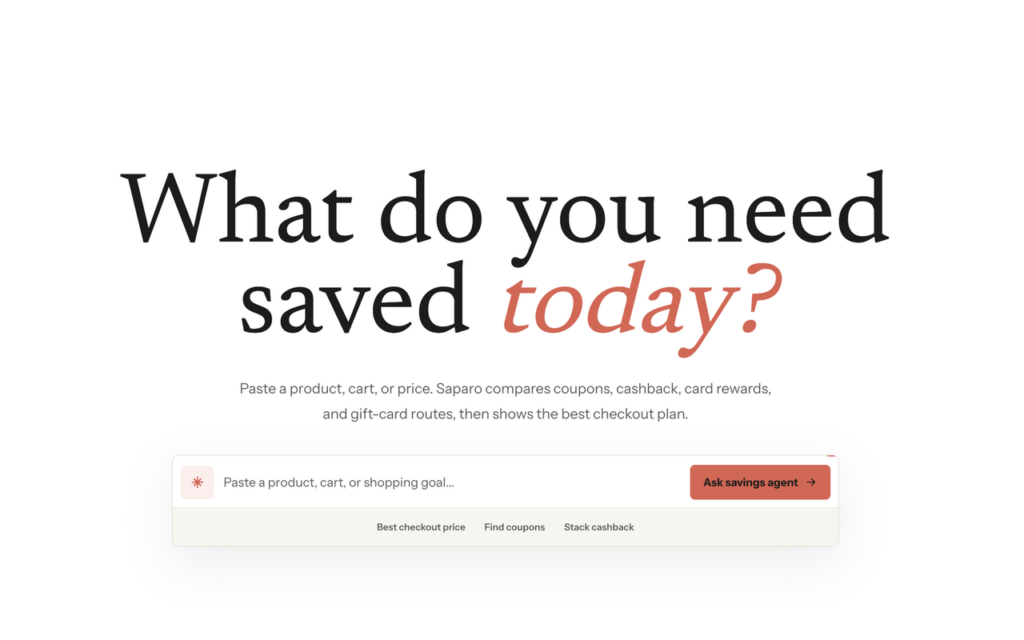
A tool like Saparo is designed to compare confirmed discounts, conditional cashback, estimated payout, expected rewards, and delayed payout before user-approved payment. It should explain the route; it should not make the purchase for you. If a tool, portal, or comparison page ranks offers, check whether affiliate or advertising relationships may exist near that recommendation.
Use the reward when the terms are current, the cart qualifies, the tracking route is clear, and you are comfortable waiting. Ignore it when the only proof is an outdated list, an unsupported coupon, or a route that asks you to change the order in a way you did not want.
FAQ
Can marketplace sellers be excluded from a store offer?
Yes. Marketplace sellers, third-party sellers, and third-party checkout paths can be excluded by retailer, portal, or card-linked terms. Check seller name, checkout domain, fulfillment route, and offer exclusions before treating the store as eligible.
Do app-only purchases qualify on the same store?
Not always. Some online stores with cashback separate website, app, pickup, delivery, and in-app purchases. If the offer says app-only, use the app. If it says website only, do not assume the app will track.
Can a private browser window affect store tracking?
Yes. Private browsing can block or limit the cookies and session data that cashback portals use to identify the shopping trip. If privacy settings matter to you, that is fair. Just do not count the reward as reliable unless the portal confirms that your route activated.
What if the retailer changes domains at checkout?
Pause. A domain change can mean a payment processor, marketplace path, travel engine, or third-party seller is handling the order. Compare the new domain with the allowed merchant terms. Screenshot the handoff and order confirmation if you continue.
Which source should override an outdated cashback list?
The current source attached to the actual route wins: retailer offer terms, portal store page, card-linked offer details, or app terms. Old lists of cashback stores are useful for ideas, not final checkout proof.
Conclusion
The answer to what stores offer cashback is not a permanent list. It is a quick verification habit: start with your chosen store, check the retailer page, check the portal page, check card-linked offers, then test the terms against your cart. If the reward is confirmed enough for your risk tolerance, use it. If it is only a pretty number on an old page, let it go before it makes checkout messier.
Related posts: