An Amazon cart can feel settled until three savings appear at once: a clipped coupon, cashback promised later, and a gift card balance. Then shipping, tax, seller details, or a return change the picture.
That is why I do not judge Amazon cashback websites by the largest percentage displayed. I care about today’s total, conditions attached to future rewards, and evidence if tracking fails. The deal is not real until it survives checkout. Here is how to compare each piece without treating a pending reward as earned cash.
Why Amazon Cashback Websites Need Checking
Amazon is both a retailer and a marketplace. Similar products may belong to different categories or sellers. A portal may reward one category while excluding another in the same cart. Eligibility can also depend on the destination site, purchase method, customer status, subscriptions, or digital items.
Record the exact product, price, seller, condition, quantity, and fulfillment details. Check the portal’s Amazon page before buying. A search such as top cashback Amazon may surface a stale rate or promotion. The merchant page and linked terms control.
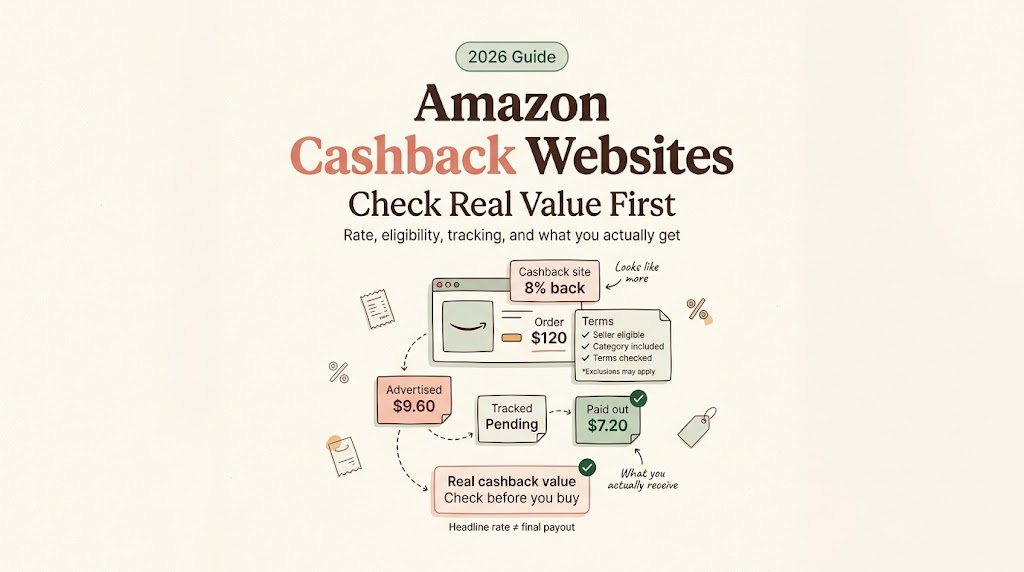
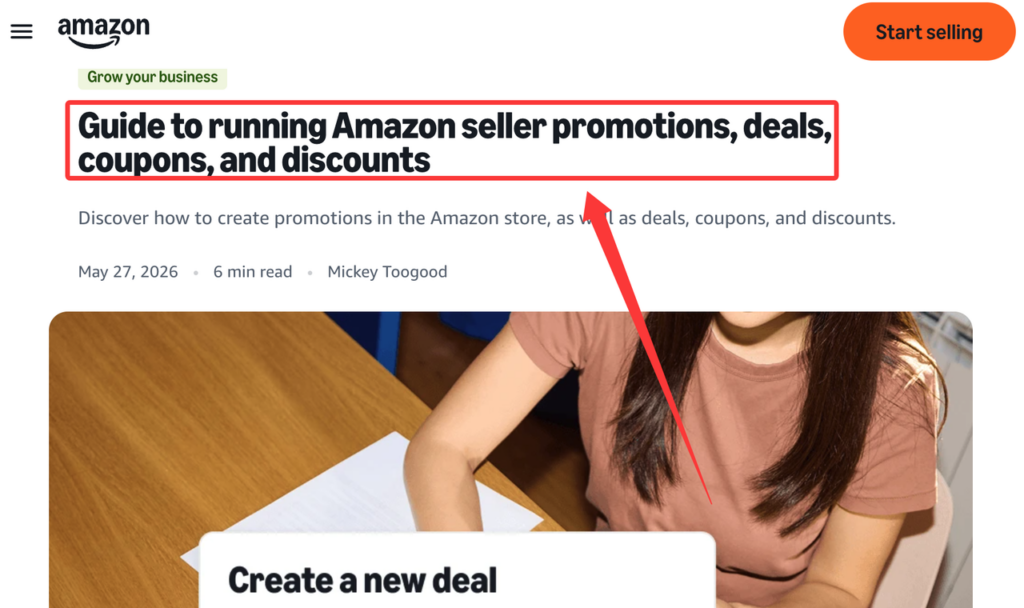
The phrase Amazon cash back can hide a timing difference. Amazon distinguishes deals, coupons, promotions, and price discounts in its official promotion guide. A reduction becomes confirmed for your purchase only when it appears in the final checkout total. Portal cashback remains conditional: the trip must track, the item must qualify, and the retailer must validate it.
Review Cashback Terms Before Clicking
Open the portal’s current Amazon page. Note the reward, eligible categories, exclusions, basis, and reporting window. Save a timestamp because terms change. Merchant-specific terms control.
Start a fresh portal trip and finish in its opened window. If you browse elsewhere, switch devices, or return later, restart when the rules require it. Save the click identifier, merchant page, timestamp, and exclusions.
Eligible categories, portal links, cookies, and exclusions
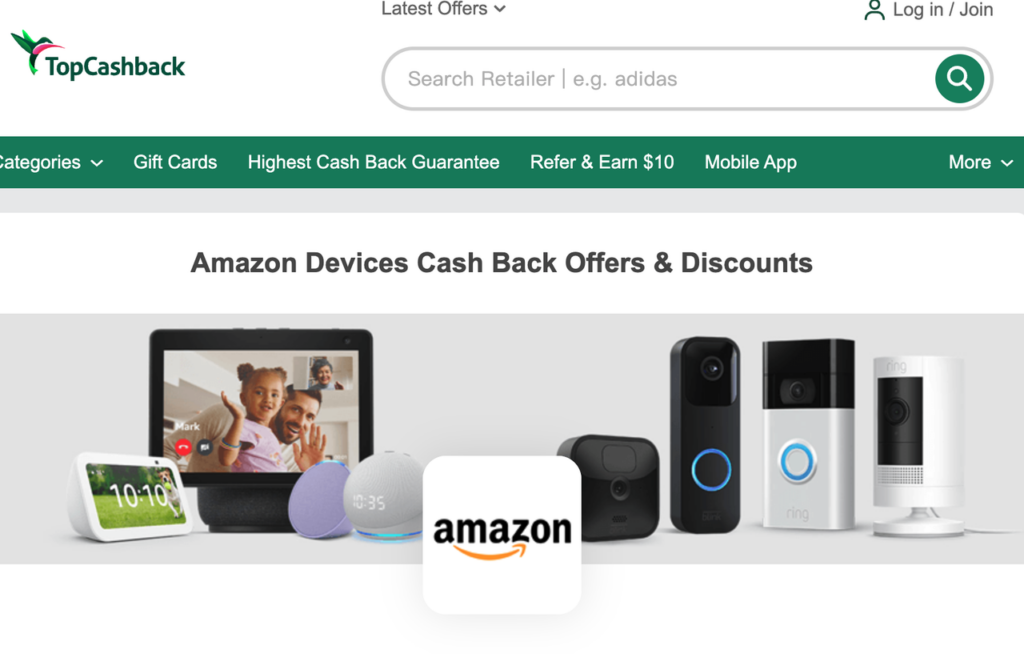
Match the portal category to the item, not merely its department page. At publication, TopCashback’s live merchant entry is specifically labeled Amazon Devices, with separate handling indicated for some subscriptions. That is an example of category-level coverage, not an endorsement or a whole-site promise. Check Marketplace sellers, used or renewed goods, preorders, digital products, memberships, services, and each listed exclusion.
Tracking depends on the portal link, cookies, and a clear attribution path. Private browsing, blocked cookies, ad blockers, shopping extensions, and other coupon sites can interfere. Review the permissions requested before changing browser protections. If the required access feels disproportionate to the estimated payout, the sensible option is to skip the portal.
Using a portal may share shopping-trip, browser, device, or order information under its privacy policy. Connecting an account or extension should require informed permission; payment information should remain inside the merchant or payment-provider flow whenever possible. Cashback services may receive affiliate commissions or sponsorship revenue. Such relationships belong beside recommendations and must not replace evidence-based ordering.
Gift cards, coupons, returns, and pending rewards
Treat each value source separately. An Amazon gift card balance is a payment source, not automatically a discount, and its face value cannot be subtracted twice.
For Amazon coupon cashback, verify that the portal permits the exact coupon or code. A coupon accepted by Amazon can still conflict with attribution when unlisted. It becomes a confirmed price reduction after checkout displays it; cashback remains estimated until the portal validates and pays it.
Returns, cancellations, exchanges, and partial refunds may reduce or reverse cashback. Amazon’s return policy varies by item, seller, category, and circumstances, and discounted-purchase refunds can reflect the returned qualification. Portal status matters too: TopCashback distinguishes pending, confirmed, and payable cashback. A later return or correction can still reduce or reverse an expected reward under the applicable terms.
Compare Cashback With Amazon Offers
Before comparing cashback sites for Amazon, decide whether you would buy the item without the reward. That check keeps the Amazon final checkout value anchored to a needed purchase, instead of turning a rebate into permission to overspend.
Build one comparison for the same cart. Record Amazon’s item price, then any sale, clipped coupon, promotional credit, Subscribe and Save discount, or Prime-only price shown at checkout. Add shipping and tax. Place estimated portal cashback below the amount due.
Use these labels consistently:
- Confirmed Amazon discount: a sale, coupon, or promotion visible in checkout.
- Conditional portal cashback: a potential reward that still depends on tracking and eligibility.
- Expected rewards: points or another noncash benefit anticipated under separate program rules.
- Estimated payout: a dollar forecast based on the eligible subtotal, not an approved balance.
- Delayed payout: validated value waiting for the portal’s payment schedule or threshold.
- Reversed payout: value removed after a return, cancellation, exclusion, or reporting correction.
Compare like with like. For Subscribe and Save, confirm you want the recurring order and understand how to change it. If a Prime-only offer requires membership, consider whether you already have and value it. The cleanest route often has fewer uncertain conditions, not the loudest headline.
Calculate the Real Checkout Value
Begin with the number Amazon asks you to approve:
Checkout total = discounted merchandise + shipping and fees + tax
Then record the portal separately:
Estimated route value = checkout total − estimated eligible cashback
This second number is a planning estimate, not today’s payment. Suppose a hypothetical cart shows $90 of merchandise after an accepted coupon, $0 shipping, and $7 tax. The checkout total is $97. If portal terms estimate $3 on the eligible merchandise, $97 still leaves your payment method today. You may note $94 as an estimated eventual cost, but only after labeling the $3 as pending.
Check the reward basis carefully. A displayed percentage may apply after coupons, may exclude gift-card-funded portions, or may cover only selected categories. Rounding can also create a small difference. Do not force the estimate to match the headline rate when the written terms use a narrower basis.
Before paying, capture the portal offer page, exclusions, shopping-trip identifier, Amazon cart, accepted coupon, seller, and final order confirmation. Keep records until the reward becomes payable or a claim window closes. Amazon may split one order into separate shipments and charges; save each related transaction with the order details.
FAQ
Can Subscribe and Save change the reward basis?
Yes. The subscription discount changes the merchandise price, and a portal may calculate rewards after that reduction, credit only an initial subscription order, or exclude recurring purchases. Seller, item, price, and terms may also change between deliveries. Check the portal’s Amazon page for the specific order date rather than projecting the first reward across future shipments.
What if Amazon splits one order into shipments?
Amazon may create separate charges when different portions ship. A portal might show one reward record, several records, or a delayed update. Match the combined charges and reward entries to the original order without filing duplicate claims. Keep shipment confirmations, item subtotals, and any later cancellation or refund notices together.
Which Amazon record supports a missing cashback claim?
Keep the order confirmation and Order Details page showing the order number, date, items, seller, prices, discounts, shipping, tax, payment breakdown, and status. Save invoices or transaction records when available. Pair those records with the portal click identifier, offer screenshot, and claim form. Redact unrelated payment or personal information unless the claim process genuinely requires it.
Can Amazon digital purchases follow separate portal terms?
Yes. Ebooks, apps, streaming purchases, subscriptions, and other digital goods may be assigned to different categories, domains, or merchant entries, or excluded entirely. Do not infer eligibility from a physical-product rate. Confirm the exact digital category and destination listed by the portal before purchasing.
Do Prime-only Amazon offers change cashback eligibility rules?
A Prime-only price can reduce the immediate Amazon total, but it does not override portal rules. The portal may calculate on the reduced amount or exclude a category regardless of Prime status. Confirm both layers independently: Amazon must display the member price at checkout, and the portal page must support cashback for that item and route.
Conclusion
The useful question is not which banner displays the biggest number. It is whether the exact Amazon item, seller, category, coupon, payment method, and shopping trip meet the written conditions. Amazon cashback websites can add value, but that value remains conditional until tracking, merchant confirmation, and the return window have done their work.
Record today’s checkout total first. Keep gift-card funding separate, add shipping and tax, and place estimated cashback on its own delayed line. Save the evidence, approve the payment yourself, and choose the route whose real conditions you understand before checkout.
Related posts: