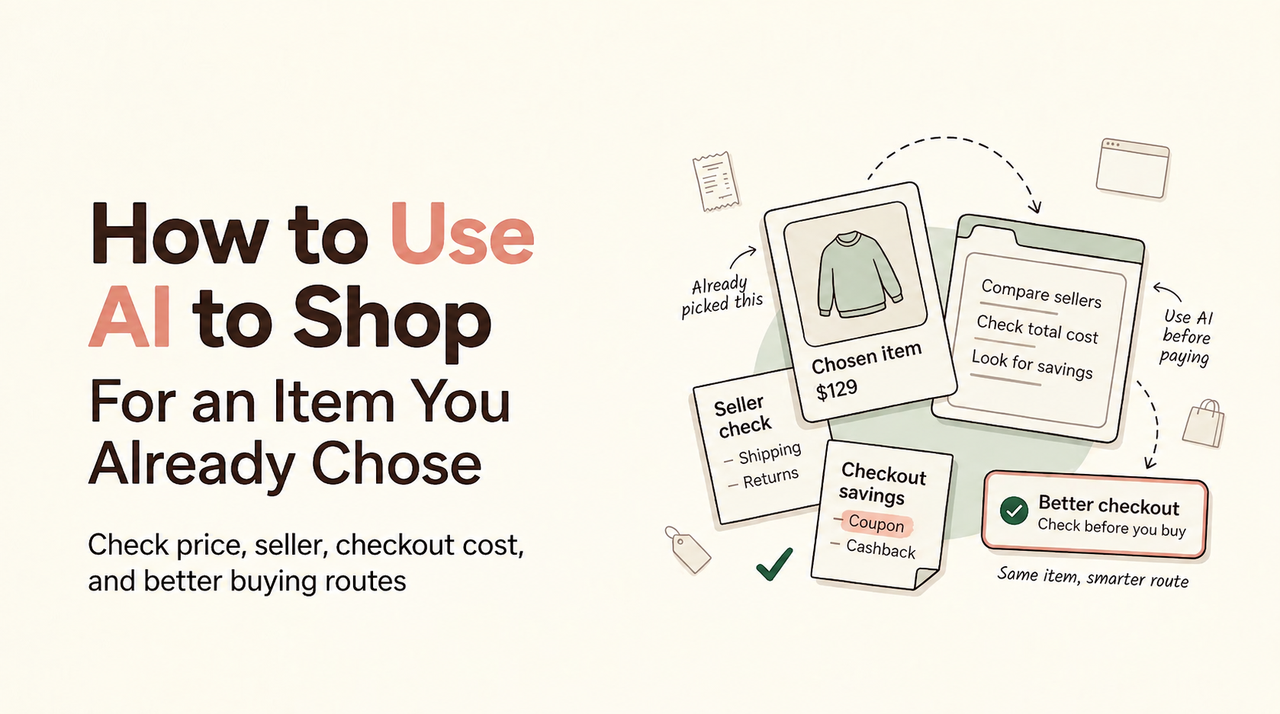
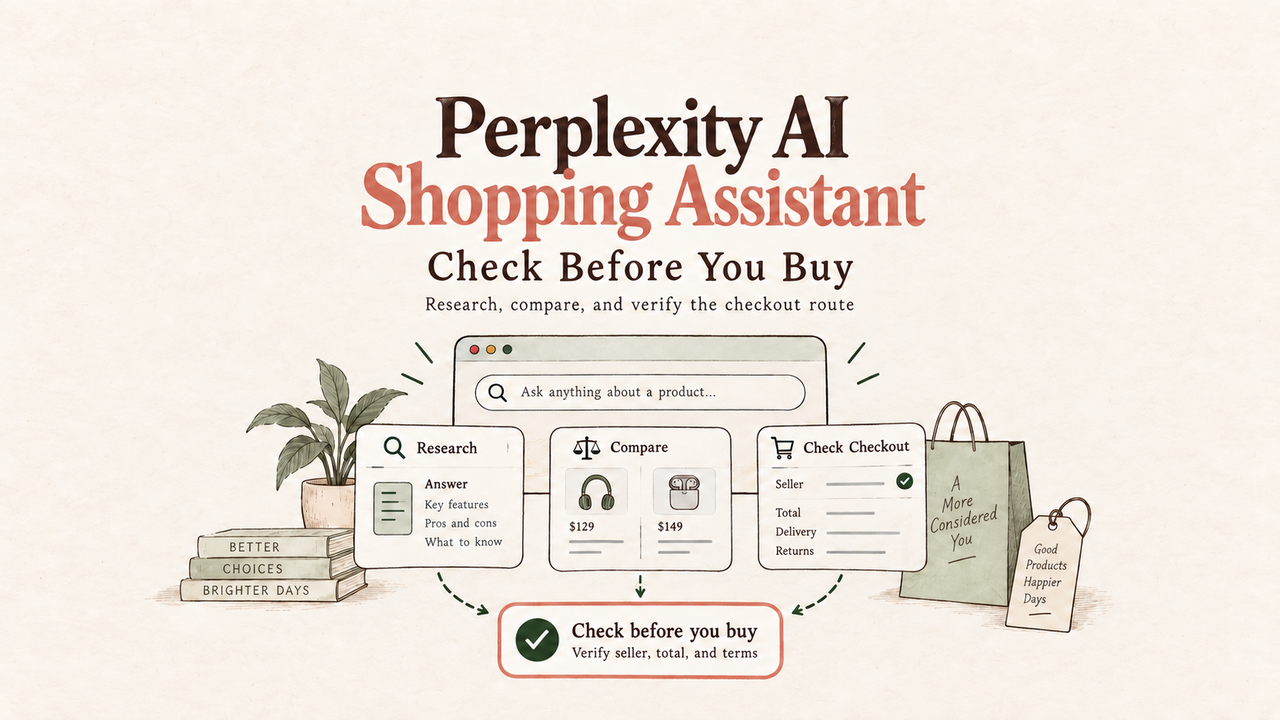
“AI shopping assistant” sounds simple until you try to pin it down. Is it a chatbot? A coupon finder? A browser extension? A bot that buys things for you? The name gets used for all of those. So that is exactly why a clear definition helps.
An AI shopping assistant is a tool that helps online shoppers research products, compare buying options, and understand the real cost before they pay.
The problem isn’t a lack of information — it’s usually too much of it, scattered across product pages, search results, coupons, cashback portals, card offers, shipping estimates, and account-specific deals. A regular search can show you options. It rarely tells you which checkout route actually makes sense for your situation.
That’s the lane I care about: less noise before payment, more clarity at checkout.
What an AI Shopping Assistant Is
An AI shopping assistant helps you narrow down products, compare retailers, and make sense of details like coupons, rewards, and checkout costs.
A chatbot mainly answers questions. A shopping assistant helps you compare choices. An AI shopping agent may go further and take actions, such as preparing a cart or moving through checkout steps with permission.
For regular shoppers, the safer rule is simple: AI researches, you review, you approve.
How AI Shopping Assistants Work
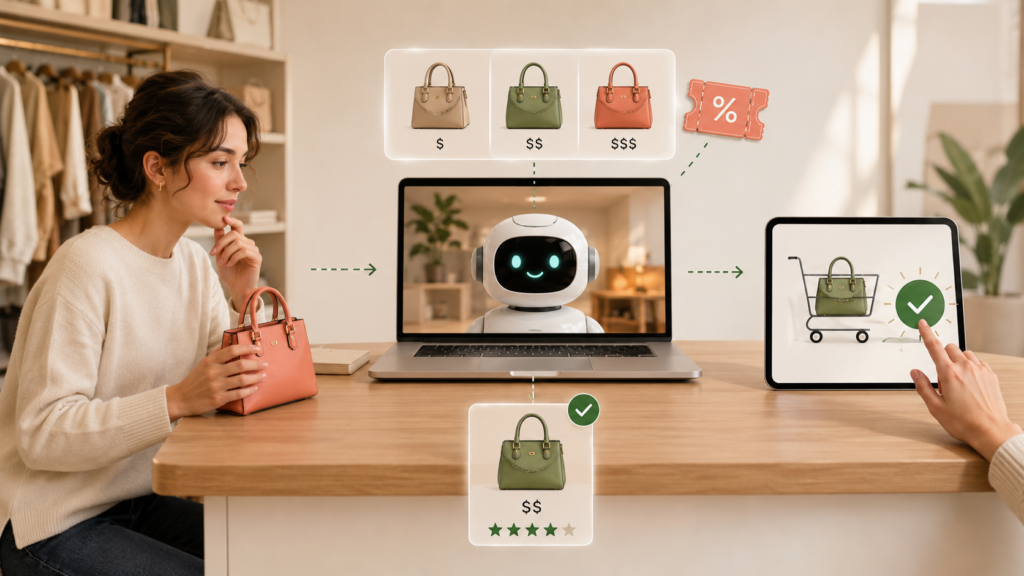
A common shopping-assistant flow is to understand what you want, gather available options, compare them, then explain the trade-offs.
A list of product links is not especially helpful. The value comes from explaining why one option fits better and what could still change before checkout.
Understanding shopping intent and matching products
A search like “best headphones under $250” includes more than a product category. It suggests budget, feature needs, delivery timing, and maybe return flexibility. That is the difference between search and assistance. Search gives you pages. An assistant tries to help you choose.
Product matching matters because the same laptop name may come with different RAM, a shoe may be sold in different widths, and a marketplace seller may not provide the same warranty as the official store. I have seen “cheaper” laptop listings turn out to have less memory or come from a marketplace seller with a different return policy. At that point, the comparison is not really about price anymore.
Using sources, ranking signals, and personalization
An assistant may pull information from retailer pages, reviews, discount services, and the preferences you give it.
Results can change based on:
- Data source quality
- Last refresh time
- ZIP code
- Retailer access
- Account status
- Your preference for lowest cost, fastest delivery, or lowest hassle
That is why a careful description of these tools should avoid promising perfect live coverage or guaranteed lowest prices.
Common Shopping Tasks They Can Help With
Shopping assistants become most useful right before checkout, when the numbers start moving.
Product discovery and research
A shopper might ask for a carry-on suitcase, a standing desk, a birthday gift, or headphones under a certain budget. The assistant can narrow the field and explain why one option fits better than another.
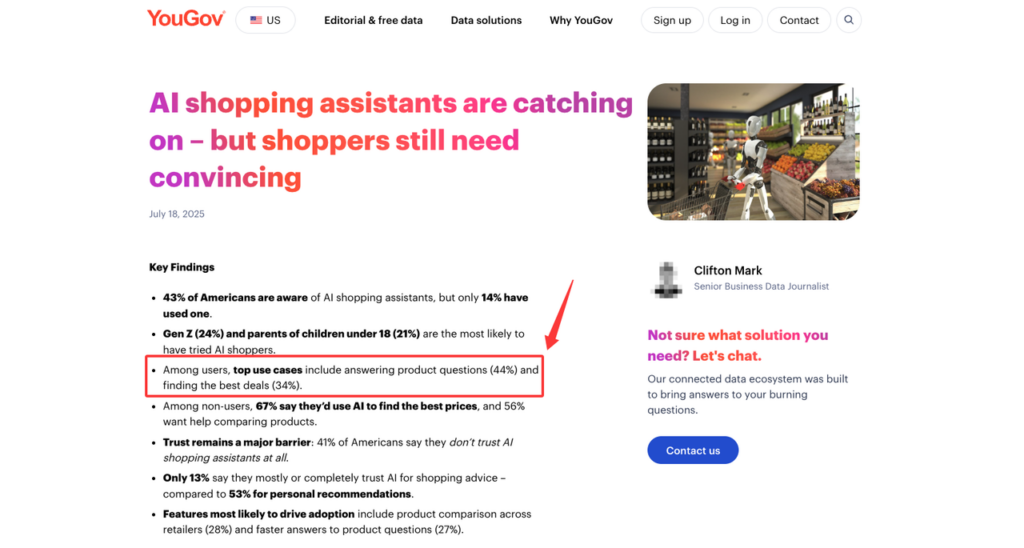
YouGov’s survey on AI shopping assistants found that U.S. respondents showed interest in practical tasks like finding deals, comparing products, and getting product information. That tracks. Most people do not need shopping AI to sound clever. They need fewer bad assumptions.
Comparing options and tracking prices
Comparison is most useful for higher-value purchases. The more expensive the purchase, the more valuable a structured comparison becomes.
| Route | Product Price | Coupon | Cashback | Shipping | Result |
| Retailer A | $420 | -$40 | $0 | $12 | $392 confirmed |
| Retailer B | $435 | $0 | -$21.75 | $0 | $413.25 now, $391.50 if cashback tracks |
Retailer A gives the cleaner answer. Retailer B may end up cheaper, but only if the cashback qualifies and tracks.
I would not treat estimated cashback like a coupon that already lowered the checkout total. One is visible now. The other may arrive later.
Preparing a checkout route
Some assistants can also map out a possible checkout route. The useful part is seeing which discount affects the price immediately and which savings, such as cashback or card rewards, may arrive later or depend on extra conditions.
What They Cannot Reliably Know
The limitation is easy to overlook: shopping information can be outdated within hours.
Even a strong assistant cannot reliably know every live price, private offer, account-specific reward, or checkout restriction at every moment.
Live inventory, changing prices, and conditional offers
Inventory can change while you compare. Retailers can adjust prices. Coupons can expire. Cashback portals can exclude categories. A code that worked in one cart may fail in yours because of item type, seller, quantity, region, or payment method.
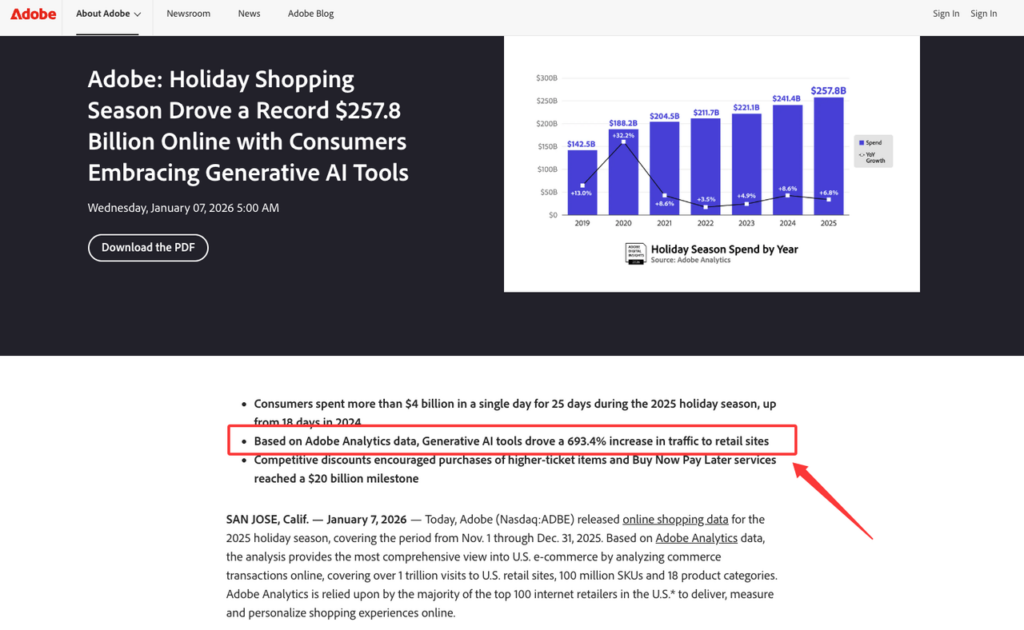
That is why assistants should label certainty clearly. “Confirmed coupon at checkout” is different from “estimated cashback.” Adobe’s 2025 holiday shopping report found that traffic from generative AI tools to U.S. retail sites rose sharply year over year, although the user base remained modest. Prices, inventory, promotions, and delivery conditions can still change quickly. Worth checking, not worth assuming.
Private rewards and location-dependent costs
Some savings are personal. In the U.S., ZIP code, state tax rules, loyalty status, and shipping address may change the final cost. Your loyalty account may unlock member pricing. A card offer may require activation. A gift card discount may affect refunds or leave unused balance.
An assistant can estimate these things only if it has the right context. If you skip ZIP code or account details, the result should say so.
The Boundary Between an Assistant and an Agent
An assistant helps you decide. An agent may act for you.
In shopping, that line matters because money, accounts, addresses, and payment details are involved. A full AI shopping agent may search, compare, prepare a cart, or move through checkout steps. But the safer consumer pattern is still user-approved payment.
Gartner’s 2026 consumer survey found that the U.S. consumers surveyed were more comfortable with AI helping them research, compare prices, find deals, and narrow choices than with AI making purchase decisions for them. That is the right line. Let the AI do the tedious checking. You still confirm the item, seller, shipping, return terms, and final charge.
FAQ
Can I use a shopping assistant without a browser extension?
Yes. You can ask product questions, compare specs, paste product links, or review public prices without installing an extension.
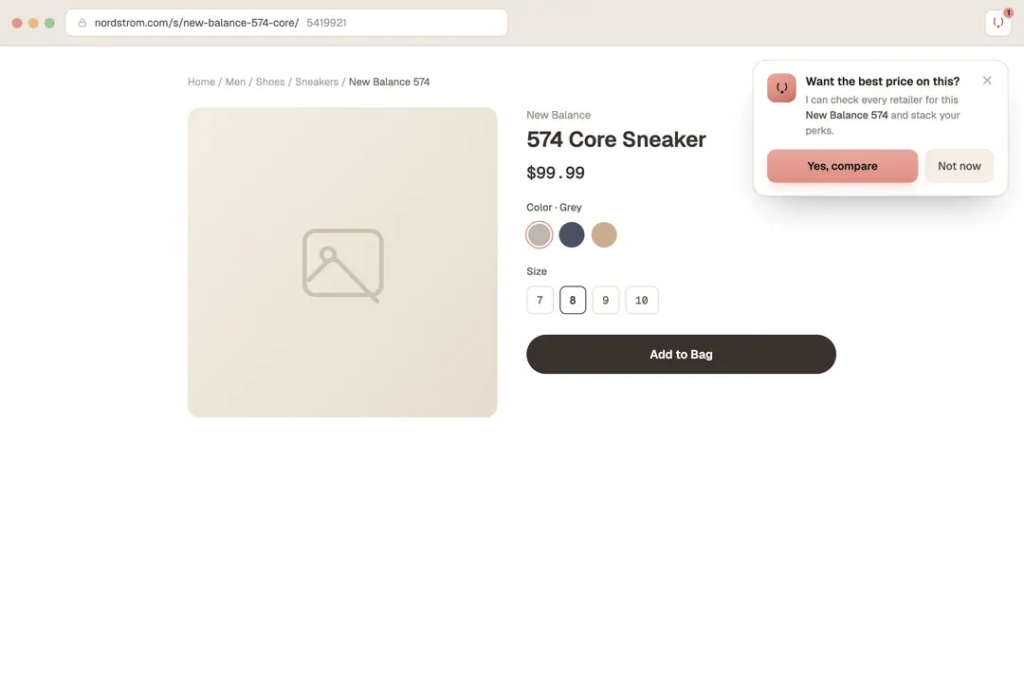
A browser extension may help with coupon testing or checkout context, but the tool should explain what it can see and when it activates.
Does an AI shopping assistant need my full card number?
For product research and comparison alone, no. It may only need your card type, reward category, or whether you have a certain offer activated.
Full payment credentials should stay in the merchant or payment provider flow unless you knowingly choose another setup. Before you click pay, check who processes the payment.
How often should price and offer data be refreshed?
As close to checkout as possible.
A good assistant should show the last checked time and label offers as confirmed, estimated, conditional, or unavailable.
How should affiliate-funded recommendations be disclosed?
Clearly, near the recommendation. Not hidden in a footer.
The FTC’s affiliate disclosure guidance says material connections should be disclosed clearly so readers can judge the recommendation. For shopping assistants, that means showing whether a route may earn commission and whether commission affects ranking.
Conclusion
An AI shopping assistant helps shoppers research products, compare buying routes, and understand checkout details before paying.
The better tools do more than point to the cheapest option. They show where the savings come from and make it clear which parts you should still double-check before paying.
I use the assistant to narrow the options. Before paying, I still check the seller, final total, return terms, and payment details myself.
Related posts: