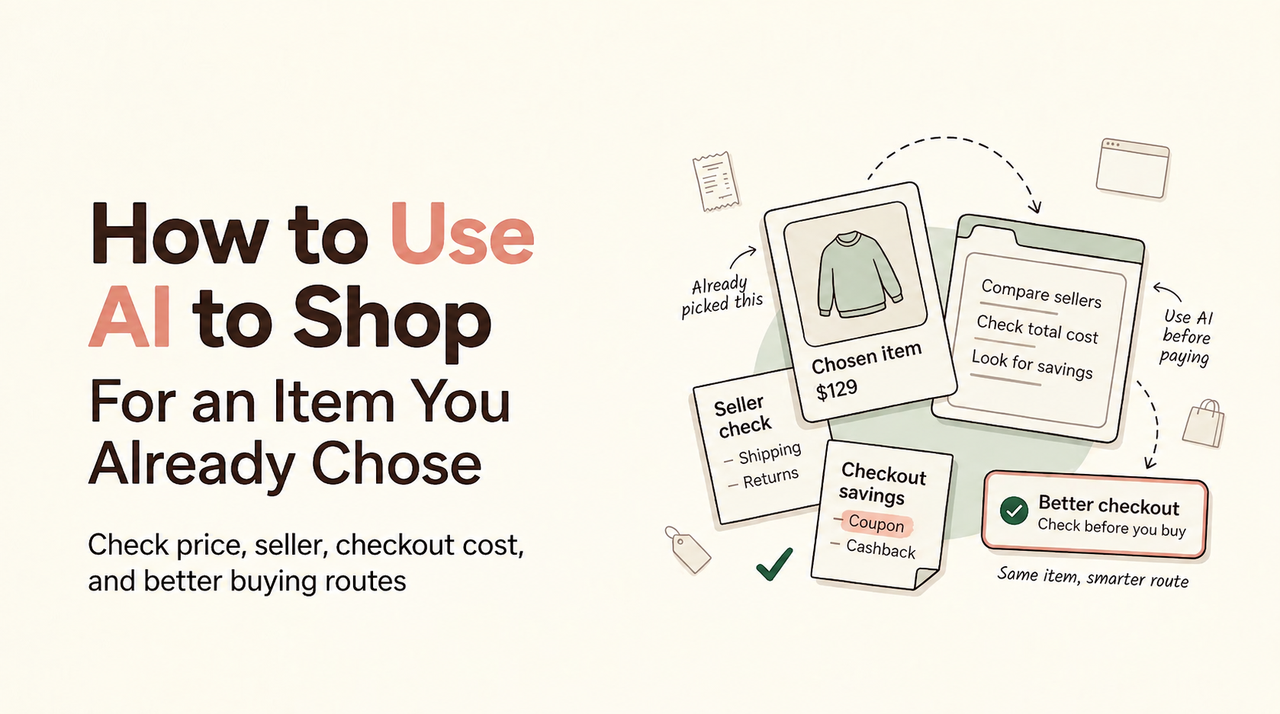
You chose the item. Then AI returned three “almost right” models and a tidy answer hiding shipping. This is when I get stubborn. Knowing how to use AI to shop means giving the tool a comparison job you can audit.
It’s Vivian here: I want two matching routes, visible unknowns, and a decision that stays with you.
Prepare the product details and purchase constraints
Start with the product page or model number you trust. Record the brand, exact model, variant, condition, quantity, acceptable sellers, destination ZIP code, delivery deadline, and maximum payable total. Add seller, subscription, condition, and warranty deal breakers.
This shopping product brief stops quiet substitutions. Keep credentials, payment details, and private order data out of it. If a tool requests an account connection, extension, cookies, location, or shopping history, read its current privacy and permission notices first.
Ask for comparable offers with a reusable prompt
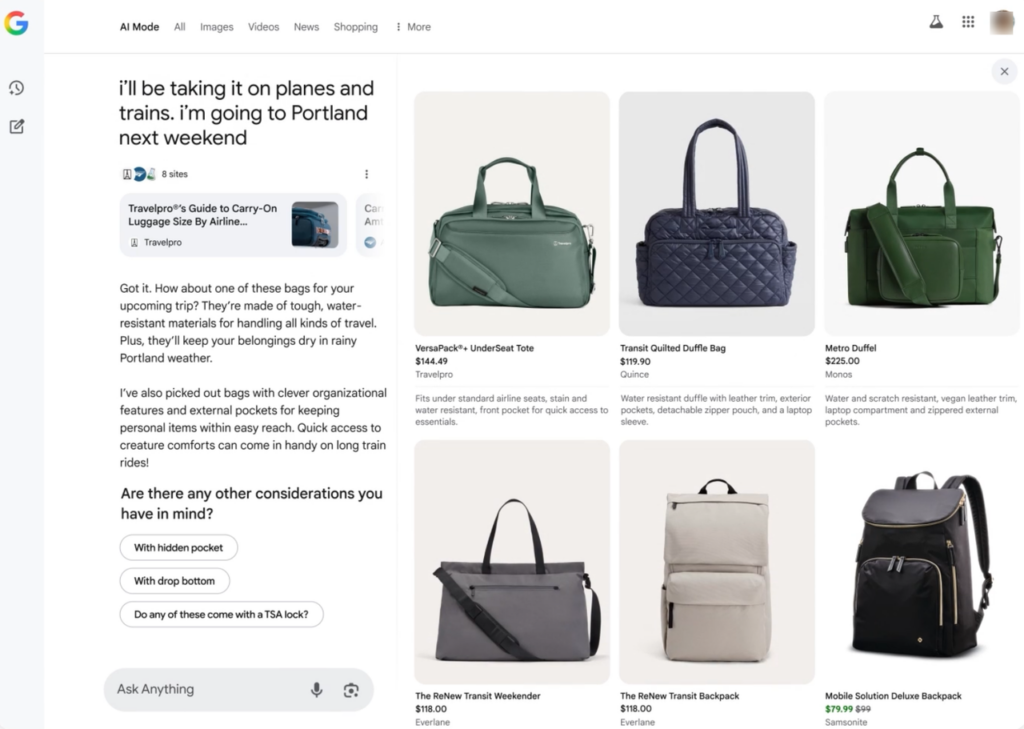
Good AI shopping prompts define the task and stopping point. Google’s shopping research workflow shows how size, color, and budget narrow results. Use that structure, but require live sources and explicit gaps.
Copy this prompt:
Find exactly two US purchase routes for the product below.

Product: [brand and exact model]
Variant: [size, color, capacity, version]
Condition: [new, used, refurbished]
Quantity: [number]
Ship to: [ZIP code]
Must arrive by: [date]
Maximum payable total: [$ amount]
Seller limits: [authorized retailer, marketplace allowed or excluded]
Warranty requirement: [provider and minimum coverage]

For each route, provide the seller, direct product URL, exact SKU or model, condition, stock status, item price, confirmed cart discount, conditional offer, shipping, estimated tax, delivery estimate, return route, and warranty provider. Keep estimated cashback, delayed rewards, and points value separate from the payable total. Mark every missing field UNKNOWN. Do not bypass access controls, sign in, add payment data, or place an order.

Finish only when both routes match the required product and every claim has a source link. If fewer than two valid routes exist, say so.
Exact model, condition, budget, and delivery needs
Here is a demonstration input, not a current offer or tested purchase:
Product: ExampleBrand ABC-123 countertop mixer
Variant: 5-quart, black, US version
Condition: new only
Quantity: 1
Ship to: 98101
Must arrive by: October 10
Maximum payable total: $300
Seller limits: authorized US sellers only
Warranty requirement: manufacturer warranty
The model code matters more than a similar photo. Renewed, imported, open-box, or different-capacity listings fail unless permitted. Budget means the amount payable now, before rewards that may post later.
Source links and unknown fields
Ask for output fields, not a persuasive paragraph. Each route should show: seller; URL; model or SKU; condition; availability timestamp; item price; applied cart discount; shipping; estimated tax; payable total; delivery; returns; warranty; uncertain rewards; and unknowns.
UNKNOWN tells you what to verify. An invented zero can spoil the comparison.
When a route lacks a checkout total, do not let the AI estimate one from a snippet. Keep the field UNKNOWN, open the cart, and enter only what the retailer displays. If tax remains unavailable before address entry, note that limitation in both routes. Symmetry matters: the same unknown must receive the same treatment.
Verify the proposed offers against retailer pages
Open both links yourself. Match the domain, seller, model, variant, condition, quantity, accessories, stock, and warranty language. AI may quote a stale snippet or combine separate variants.
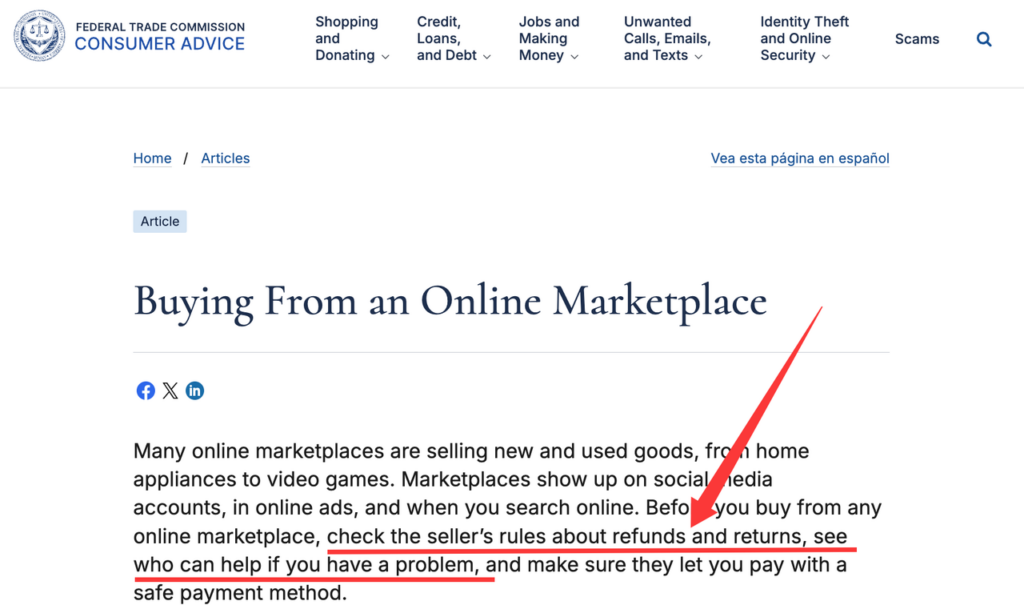
For marketplace listings, the FTC’s marketplace shopping guidance recommends checking seller contact information, terms, shipping fees, returns, and payment protections.
If a retailer blocks automation, stop. You may normally open the public page and paste its displayed price or link. Do not evade CAPTCHAs, robots rules, login barriers, rate limits, or other controls.
Compare two complete checkout routes
Now compare retailer offers with AI using the two verified listings. Both routes need the same product, destination, quantity, and delivery requirement. Label any membership or warranty difference.
Use this demonstration output shape:
| Field | Route A | Route B |
| Exact item match | Confirmed or no | Confirmed or no |
| Seller and condition | Value | Value |
| Payable total | Cart-confirmed or UNKNOWN | Cart-confirmed or UNKNOWN |
| Delivery and returns | Terms | Terms |
| Warranty provider | Provider | Provider |
| Conditional value | Separate note | Separate note |
| Source checked | URL and time | URL and time |
A confirmed discount appears in the cart. A conditional offer depends on eligibility or activation. Estimated cashback may be delayed or reversed. Points remain estimates until redeemed under program terms. Keep all four separate from today’s payable total.
Revise the prompt when the offers do not match
Do not ask the AI to “try again” without explaining the failure. Name it: wrong model suffix, used instead of new, unauthorized seller, unavailable ZIP code, late delivery, missing shipping, or unmatched warranty.
Then issue a correction: “Reject Route B because the model is ABC-123X, not ABC-123. Keep every original constraint and replace only Route B. Mark shipping and tax UNKNOWN until the retailer cart shows them.” This preserves the comparison instead of restarting with looser rules.
Your completion standard is simple: two matching listings, live source pages, all material fields confirmed or marked UNKNOWN, differences visible, and no unresolved requirement that could change your choice.
Confirm the order yourself
Pause at the merchant’s final review screen. Check item, seller, address, delivery, returns, warranty, payment method, discounts, shipping, tax, and total. You approve each purchase. AI should not enter a password, full card number, security code, or payment confirmation for you.
An AI checkout comparison is finished when you understand both routes. Keep the listing, confirmation, receipt, and delivery promise; the chat does not replace them.
FAQ
What should I do if I accidentally share a store password with AI?
Change the store password immediately, change it anywhere reused, and enable multifactor authentication. Review account activity and contact the store about anything unfamiliar. The FTC’s credential response steps support changing exposed credentials and turning on two-factor authentication. Accidental sharing alone does not prove theft. Deleting the chat does not replace changing the password.
How should I handle offers with different warranty providers?
Treat them as different routes. Record the provider, duration, geographic limits, claim process, transfer rules, and seller authorization. If you require a manufacturer warranty, reject seller-only coverage.
Can I paste a public price when a retailer blocks automated access?
Yes, if you can lawfully view and share it. Paste the price, URL, variant, seller, and observation time, then verify the cart. Never circumvent restrictions or retrieve account-only pricing without permission.
Who should I contact if an AI-recommended store never ships my order?
Contact the merchant first and keep the confirmation, promised ship date, messages, and payment record. If unresolved, contact the marketplace and payment provider within their deadlines. The FTC explains steps for undelivered orders. Report suspected fraud where appropriate. An AI recommendation does not make the tool the seller, guarantor, or refund provider.
Should I reuse old source links for a repeat purchase?
Use them as starting points, not current evidence. Reopen each link, verify the variant, seller, price, stock, delivery, and terms, then record a new check time. Rebuild both routes after a redirect or SKU change.
Your next step
Fill in the reusable prompt for one item and reject any result that changes the model or hides an unknown. Verify two retailer pages, compare only complete routes, and stop at payment. That is how to use AI to shop without handing judgment to the tool. My rule still holds: the deal is not real until it survives checkout.
Related posts: