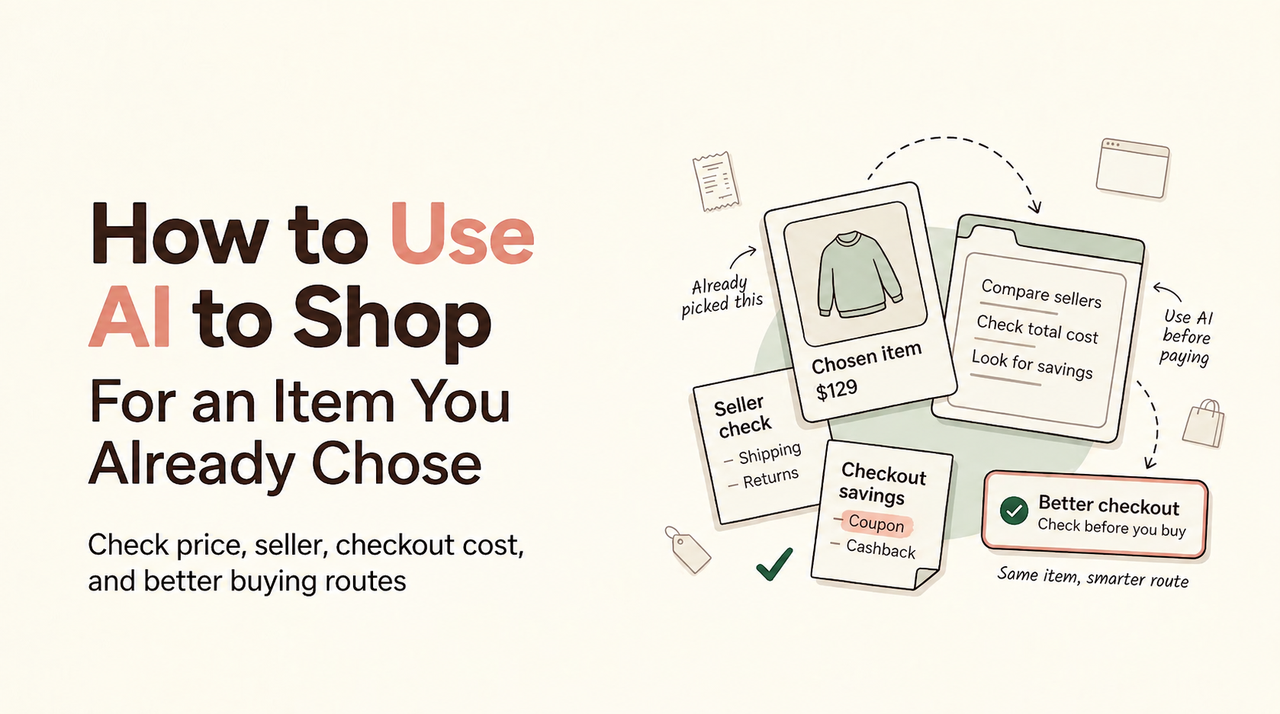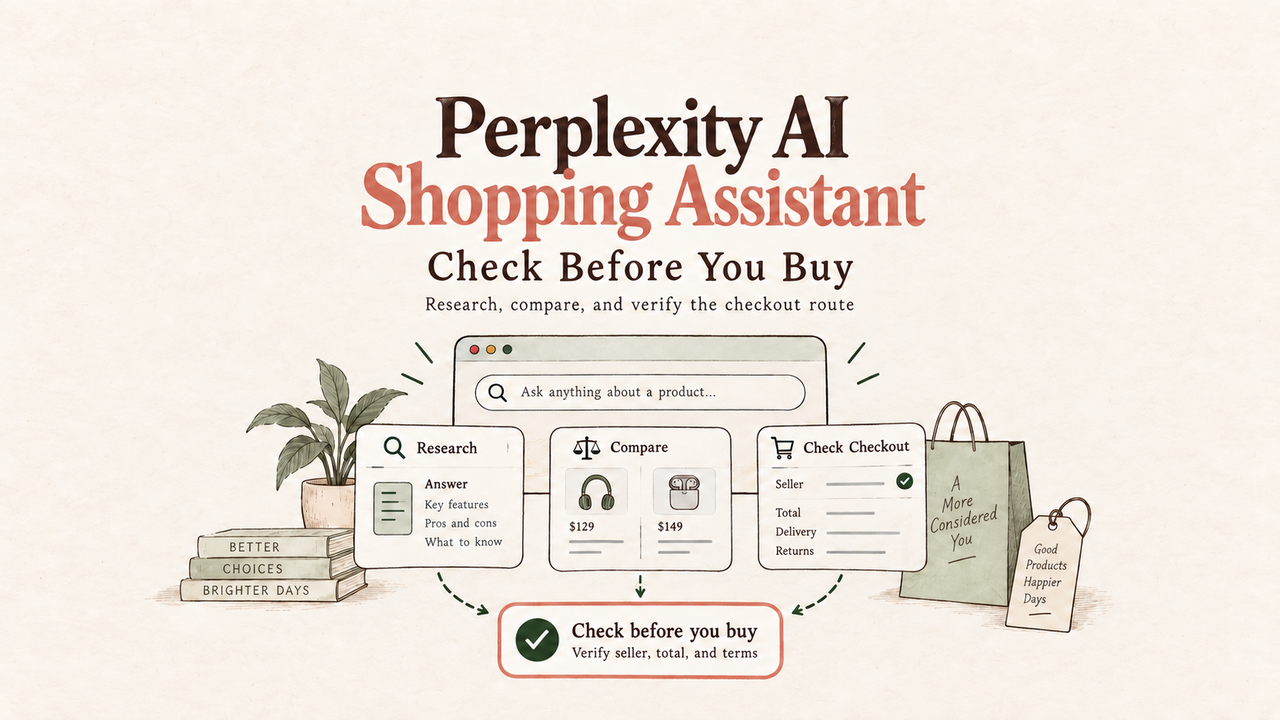
The answer looks polished, and an Instant Buy button is waiting. This is exactly when I slow down. A Perplexity AI shopping assistant can shorten research, but a fluent recommendation is not an order receipt, a warranty promise, or proof that the pictured variant is in stock. I am Vivian, and my rule is simple: let the tool narrow the choice, then make the seller, checkout total, delivery date, and return route earn your approval.
Check the shopping and purchase options in your account
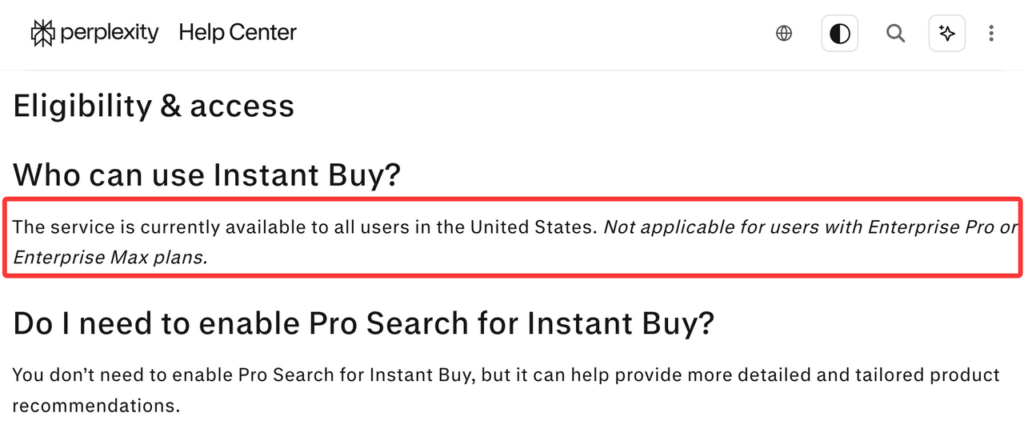
Start with what your account shows today. Perplexity’s current Instant Buy help says the feature is available to US users, except Enterprise Pro and Enterprise Max accounts, and Pro Search is not required. Only compatible products and merchants display the purchase option. That is narrower than “Perplexity can buy anything.”
The current flow asks you to select Instant Buy and enter checkout details. Perplexity says it saves those details, then sends the order and payment to the merchant for processing and fulfillment. Review the available payment methods in your own checkout. Do not reuse now-superseded checkout descriptions, old subscription requirements, or free-shipping claims; they are not the current operating rules.
If Instant Buy is absent, treat that as the answer for this listing. You can still use Perplexity product research, then open the merchant’s site and buy directly.
Research one item with a clear purchase brief
Give Perplexity a buying brief, not a vague category. Include the product type, budget, required features, size or model, condition, delivery deadline, and unacceptable substitutes.
Then ask for the sources behind each important claim. Open specifications from the manufacturer, current merchant listings, and dated reviews. If one source covers last year’s model or another region, remove it from the decision.
Past searches, interactions, and saved preferences may shape recommendations. Perplexity’s data collection guidance says account and interaction data can support personalization, and users can adjust the AI Data Usage setting. Read the current privacy policy before saving checkout details. Never place a merchant password or full card number in an ordinary chat prompt.
Open the seller’s listing and confirm the exact product

The product card is a lead, not the final listing. Open the seller page and match model number, generation, color, size, quantity, condition, included accessories, seller identity, and fulfillment route. The FTC marketplace checklist also tells shoppers to review seller terms, shipping fees, return policies, and the protection attached to the payment method.
Check stock and delivery again. A price can belong to a different variant, a marketplace seller, a membership tier, or an item with a slower arrival date. Read warranty language carefully: manufacturer coverage may depend on seller authorization, region, condition, or proof of purchase.
My test is blunt: if you cannot identify the exact seller and SKU, you are not ready to compare checkout routes.
Compare Instant Buy with the merchant’s direct checkout
Build both routes using the same item and delivery destination. For Instant Buy, record the merchandise price, shipping, tax, payment method, delivery estimate, and return contact. Repeat the list on the merchant’s live checkout. A lower product card price does not win if shipping, condition, or return handling differs.
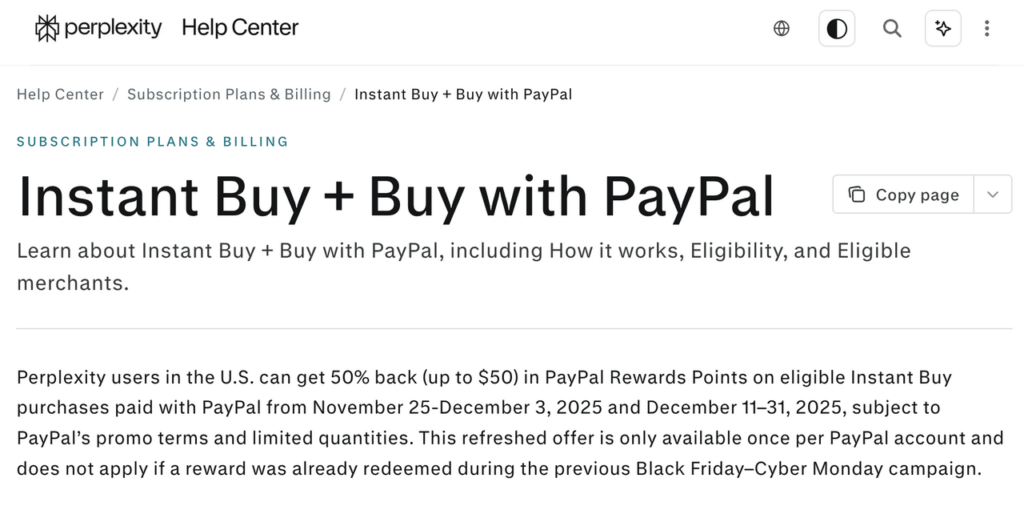
Perplexity Buy with PayPal may appear as a payment option on an eligible purchase. The current Buy with PayPal help page still describes reward periods that ended in 2025. Do not carry those percentages, caps, or reward timing into a 2026 order. If no new dated promotion appears in your account and official terms, count no PayPal promotional reward.
This is where affiliate clarity belongs. Perplexity says advertisers cannot pay to enter its related-products section and that those listings are ranked algorithmically. If any shopping result or publisher recommendation has a paid or affiliate relationship, that connection should appear beside the recommendation.
Payable total, delivery, and return route
The payable total is the amount leaving your chosen payment method now. Keep possible cashback or points outside it until the responsible program confirms them. Neither an expected reward nor an estimated delivery date is a confirmed discount.
Delivery and returns belong to the merchant. Perplexity directs product availability, shipping, pricing, and fulfillment questions to the brand or retailer. Before choosing Perplexity shopping checkout, identify the merchant’s support channel, cancellation window, return deadline, return-shipping cost, restocking fee, and refund destination.
PayPal protection is conditional too. Its current Purchase Protection terms define eligible problems, exclusions, documents, and dispute deadlines. Do not treat the PayPal logo as automatic coverage. Compare those terms with the merchant’s direct payment route and any benefits attached to a card you already hold.
Review the final order before approving payment
Stop on the last review screen. Match the product, seller, quantity, shipping address, phone or email, delivery estimate, payment method, shipping charge, tax, and final total. Confirm that no substitute, warranty add-on, or recurring service entered the order unnoticed.
Perplexity says the shopper initiates Instant Buy and receives purchase confirmation. Keep that confirmation, the merchant receipt, the live listing, and the stated return terms. The merchant fulfills the order, so its order number matters when delivery or warranty questions appear.
The purchase should remain yours to approve. If saved checkout data is wrong, the seller is unclear, or the final amount changed, stop. A fast button is useful only after the route is understandable.
FAQ

Can Perplexity Instant Buy place a preorder?
Do not assume it can. Current Instant Buy help does not describe preorder support as a general feature. A preorder may involve delayed charging, release-date changes, and special cancellation rules. Use Instant Buy only if the exact product is marked eligible and the merchant confirms preorder terms; otherwise use the merchant’s direct checkout.
Can I apply a merchant loyalty reward through Instant Buy?
Not as a general documented feature. The current help page does not promise that merchant points, member certificates, or account rewards can be imported into Instant Buy. If the field and verified balance do not appear before payment, compare the merchant’s direct checkout instead. Count loyalty value only after the merchant applies it.
Does Instant Buy support a retailer gift card?
Do not count on it. Perplexity’s current help does not list retailer gift cards as a universal Instant Buy payment method. Use only the methods displayed for that order. If using a store gift card matters, open the retailer’s checkout and confirm its card rules, balance limits, and split-payment options there.
Can I change the delivery address after placing the order?
Possibly, but the merchant decides. Contact the seller immediately with the merchant order number. Perplexity states that merchants handle fulfillment and that product-specific questions should go to them. An address change may be unavailable after processing or shipment, so review the address before approving payment rather than relying on a later edit.
Where can I find proof of purchase for a warranty claim?
Start with Perplexity’s purchase history under Settings, then keep the confirmation and merchant receipt. For a warranty claim, the manufacturer may require the merchant name, purchase date, model or serial number, and invoice. If the purchase is missing from history, verify the Perplexity account used and contact the merchant for its order record.
Your next step
Take one product and write a one-sentence brief with the exact model, condition, budget, and deadline. Ask for sources, open the seller listing, and build the Instant Buy and direct-merchant totals side by side. Then compare delivery, returns, payment protection, and saved-data permissions.
That is how I use a Perplexity AI shopping assistant without letting convenience outrun verification. Research first, inspect the live listing, keep uncertain rewards separate, and approve payment only when the exact product and complete checkout route make sense.
Related posts: